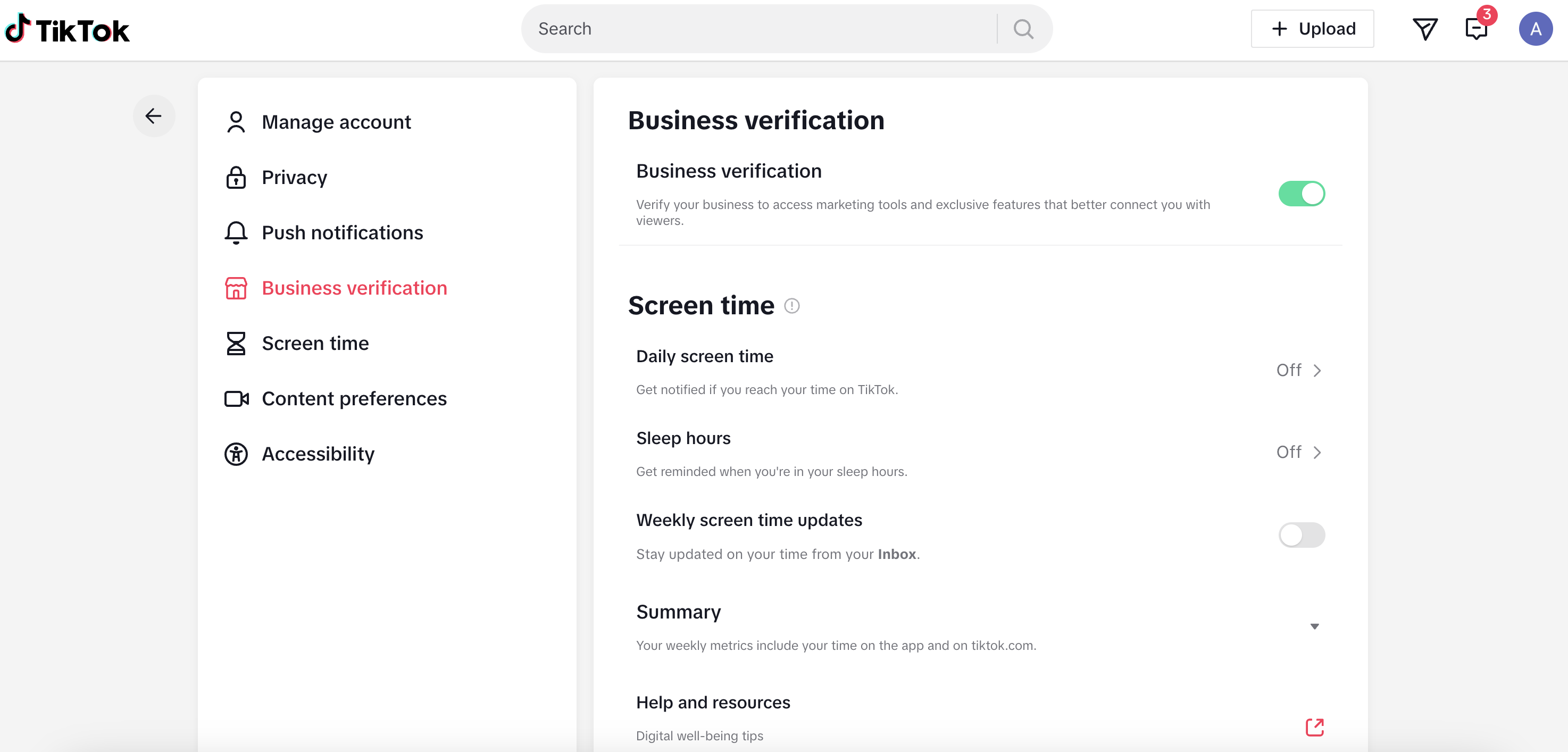
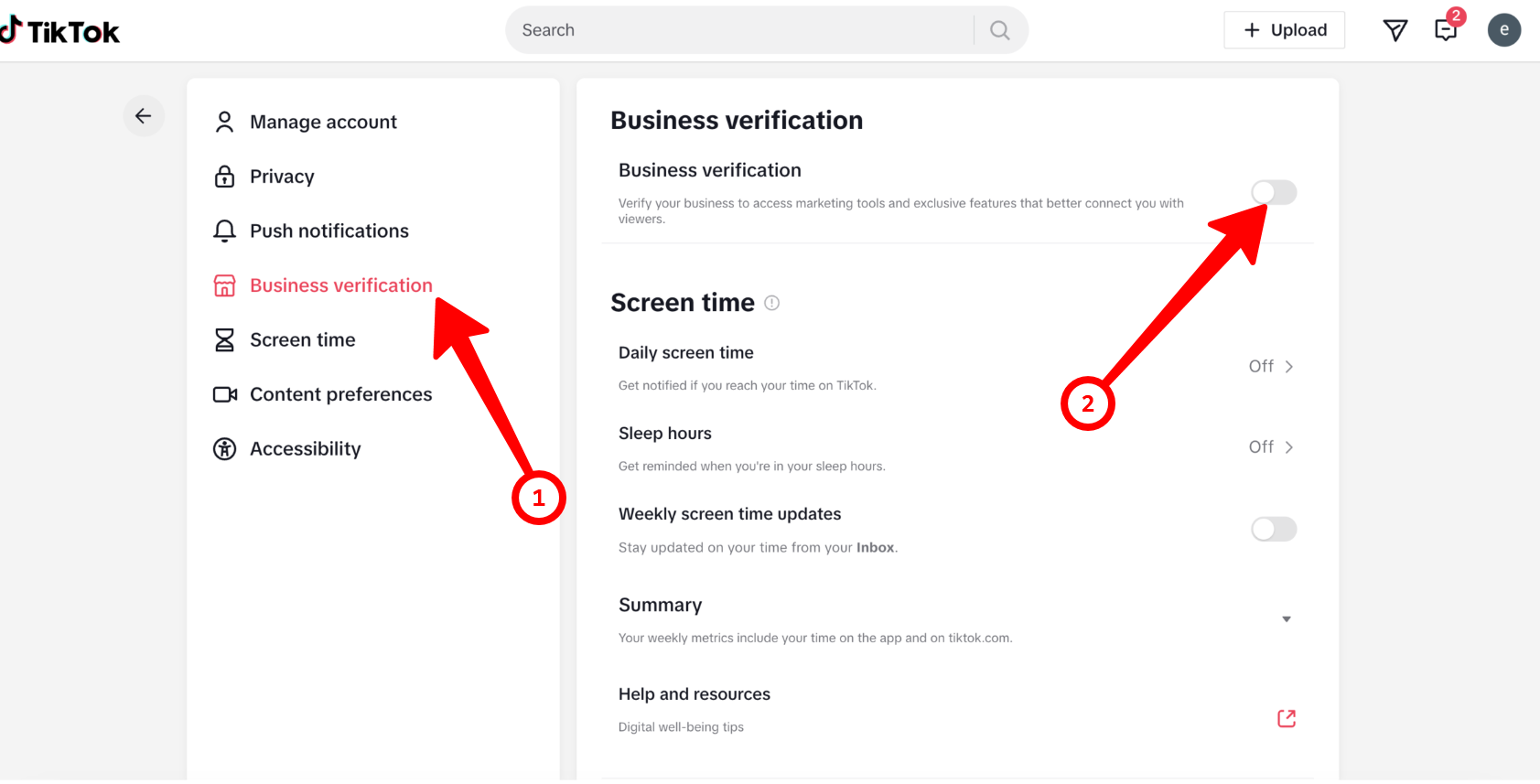
1) Open your account in the desktop or mobile version and go to settings.
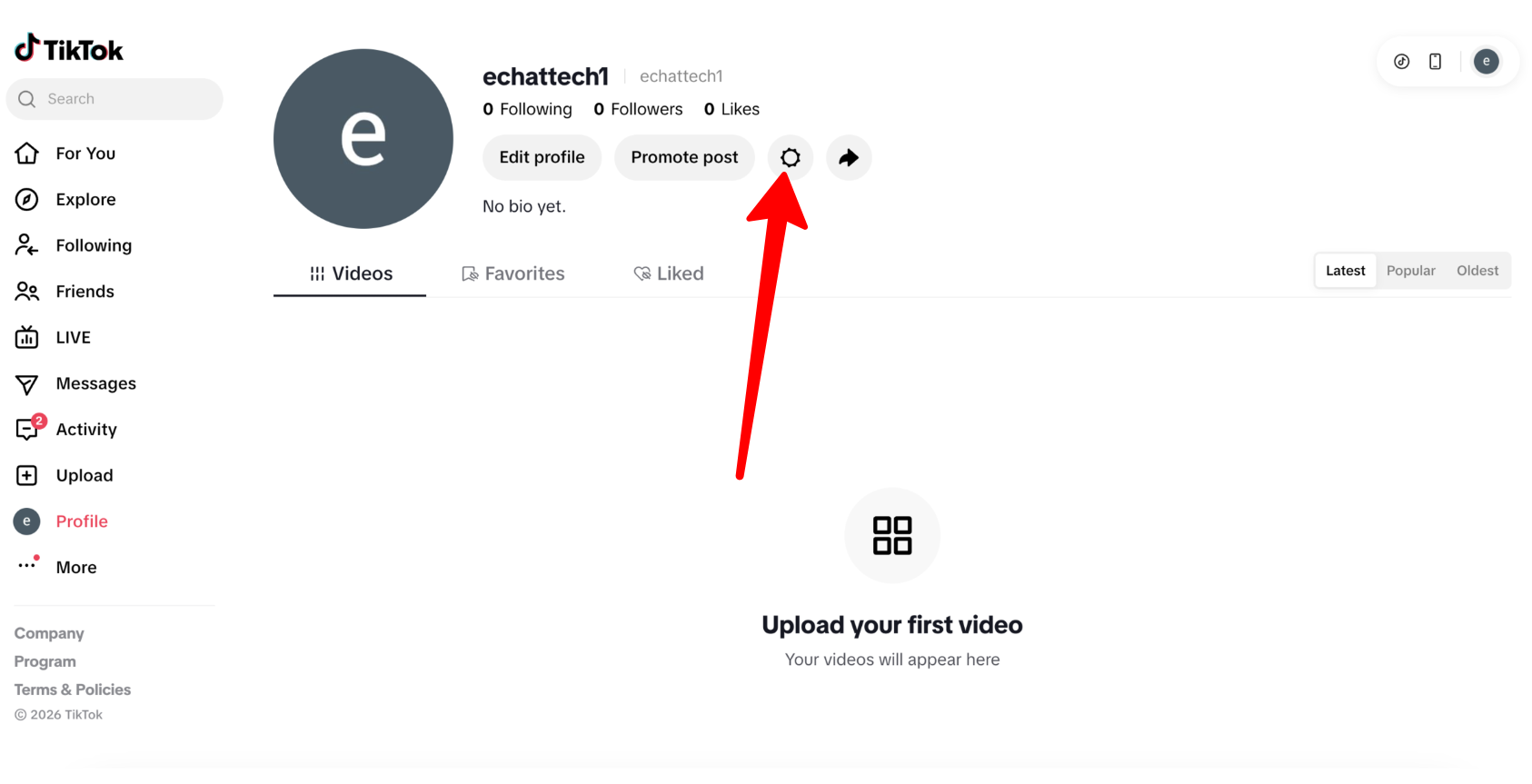
2) Go to the "Business verification" section and turn on the corresponding toggle:
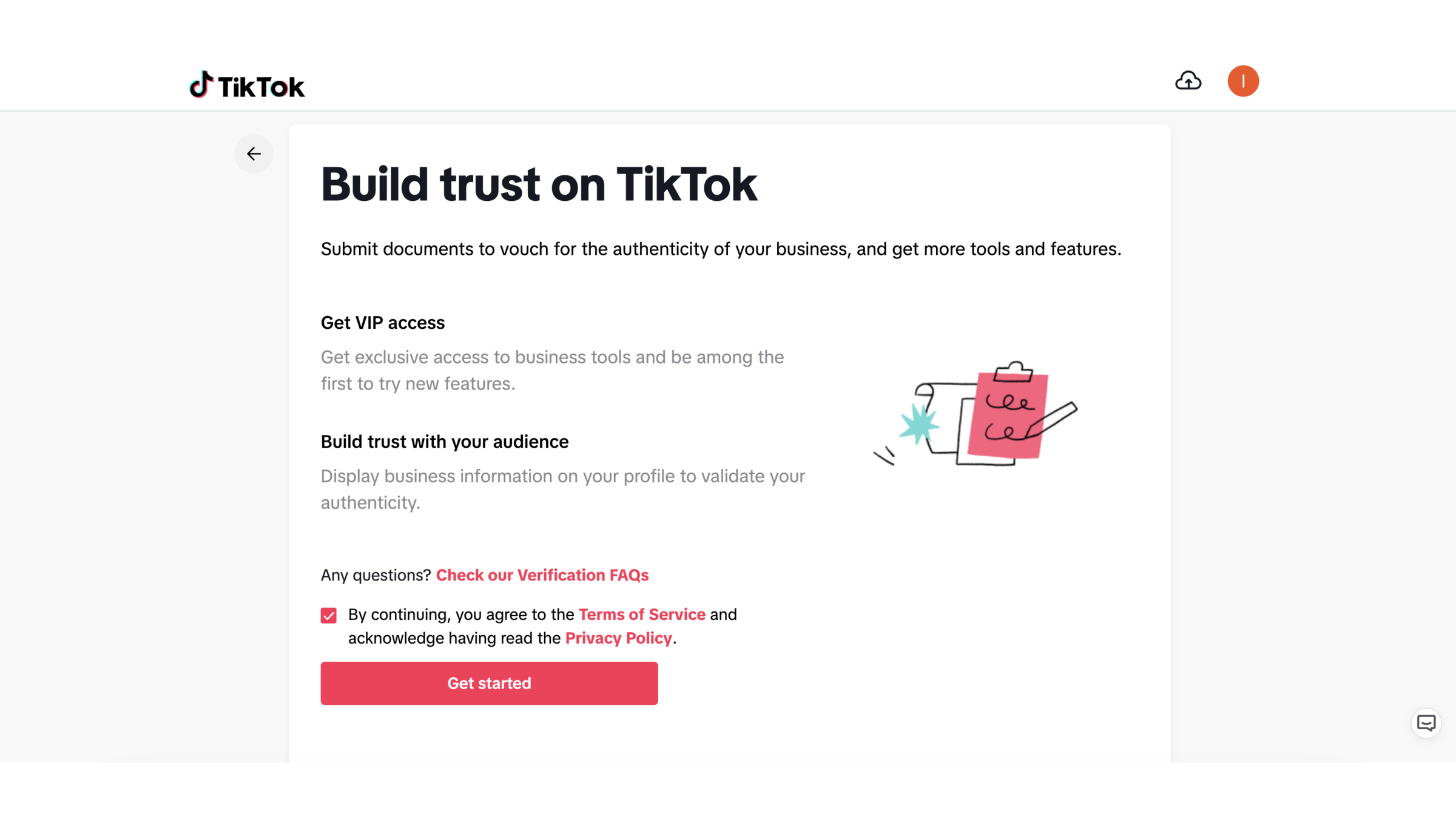
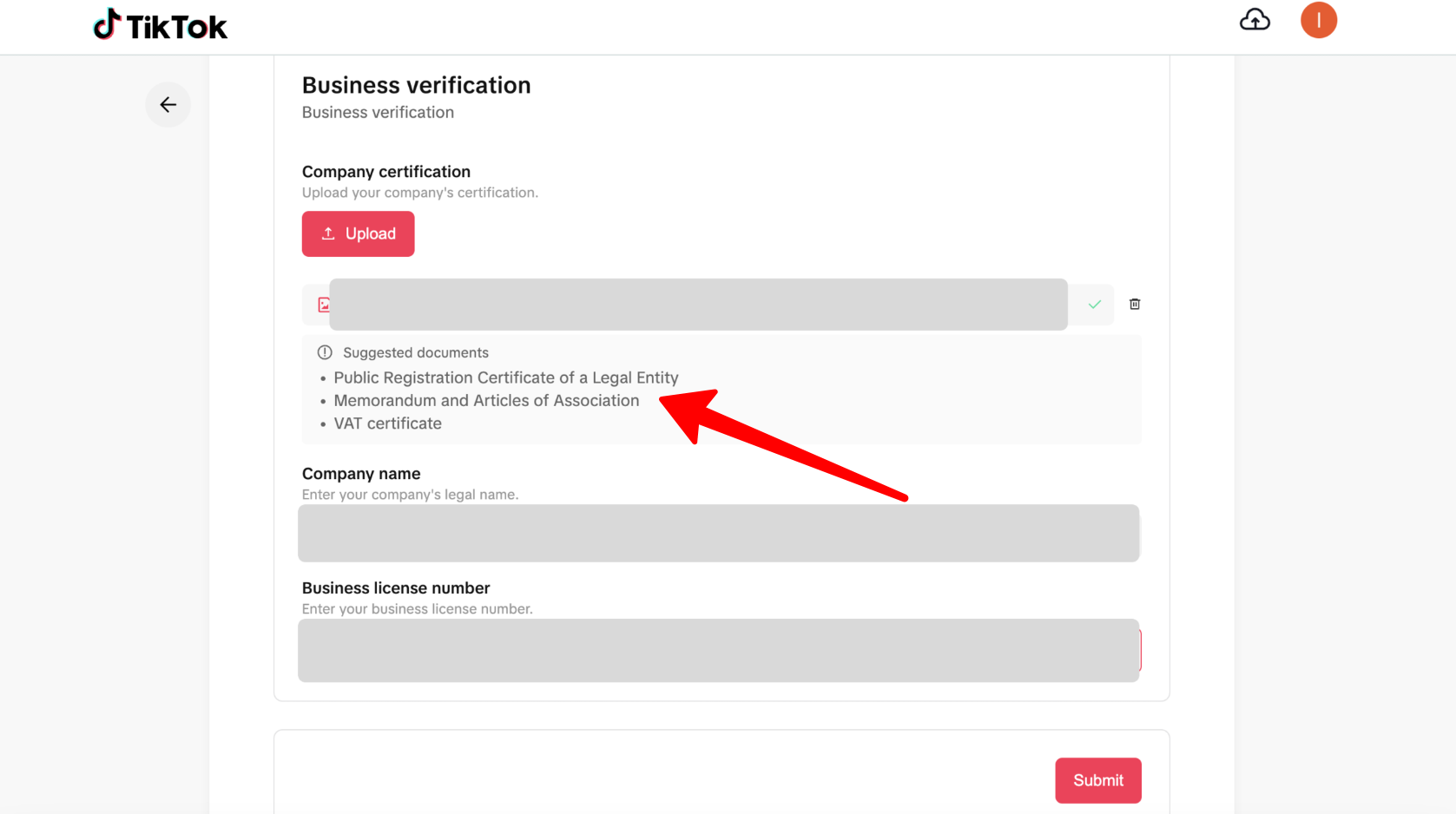
3) You will be redirected to a section where you need to fill in all the required information about your company and upload photos of the documents.
(You can find the list of required documents below the upload button.)
4) After submitting all the required information, wait for approval from the service.