Connection
To connect the WhatsApp integration using your own phone numbers, you need to obtain the access credentials at: https://e-chat.tech/
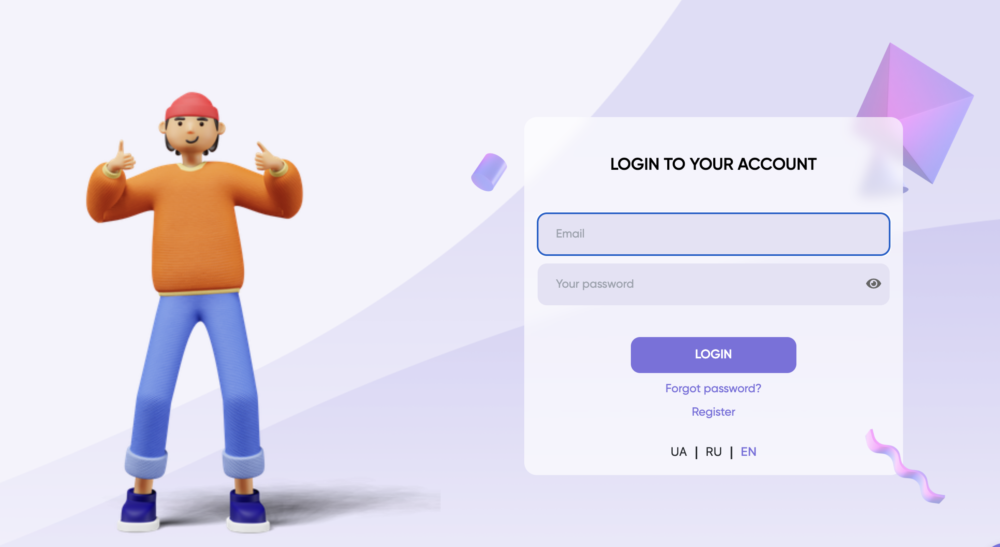
First, create an account at: https://e-chat.tech/
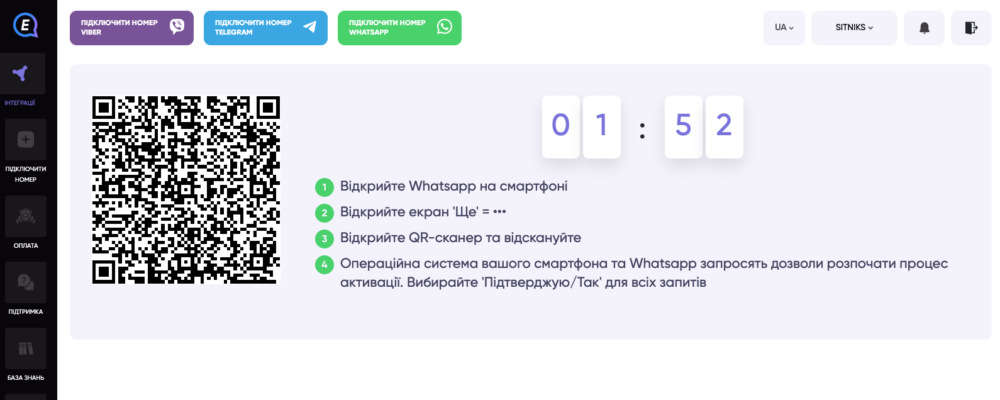
Next, click the "Connect WhatsApp Number" button.
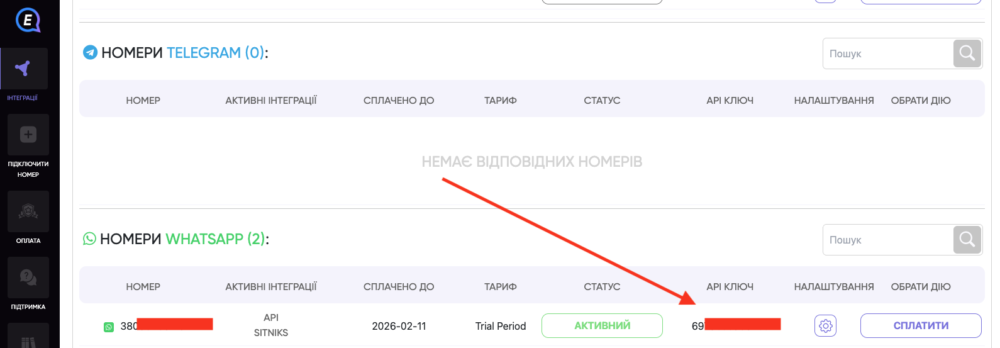
Copy the API key. It will be used when setting up the integration in Sitniks.
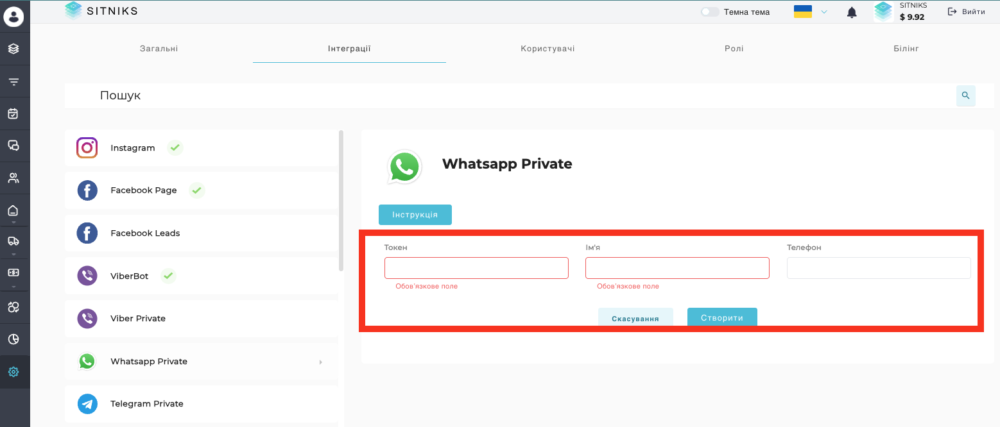
Next, go to Sitniks -> Integrations -> WhatsApp Private and complete all the fields.
The "Name" field is the name of the integration. If you plan to connect multiple phone numbers, this will allow you to distinguish chats by their source.
Next, click the "Edit Integration" button to obtain the webhook key.
Copy the Status Webhook.
Copy the Message Webhook.
Next, go to https://e-chat.tech/ and open the settings to enter the data from Sitniks.
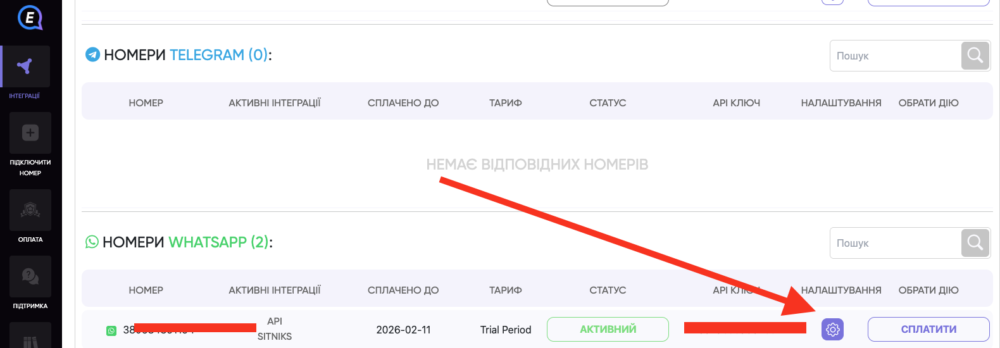
Complete the corresponding fields:
- Status Webhook
- Message Webhook
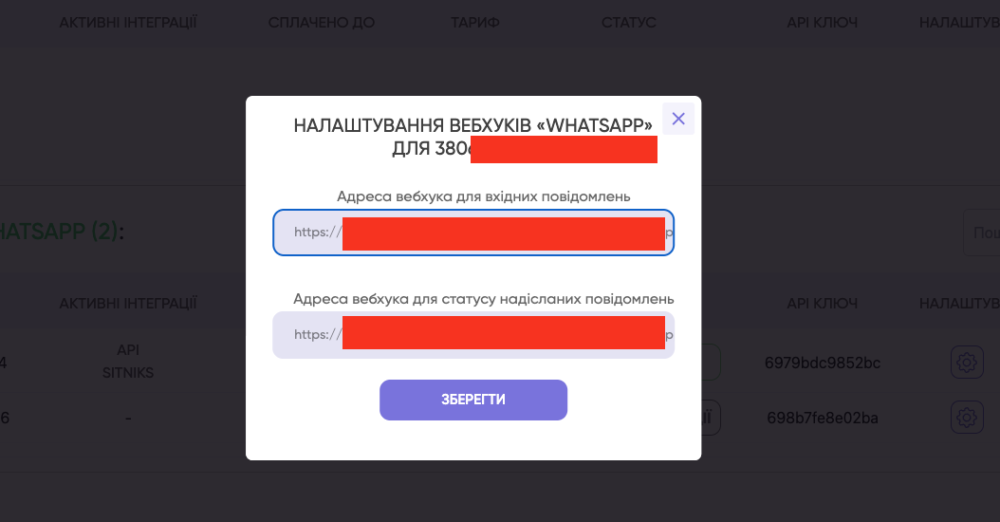
After completing all the settings, we recommend testing the integration!
